
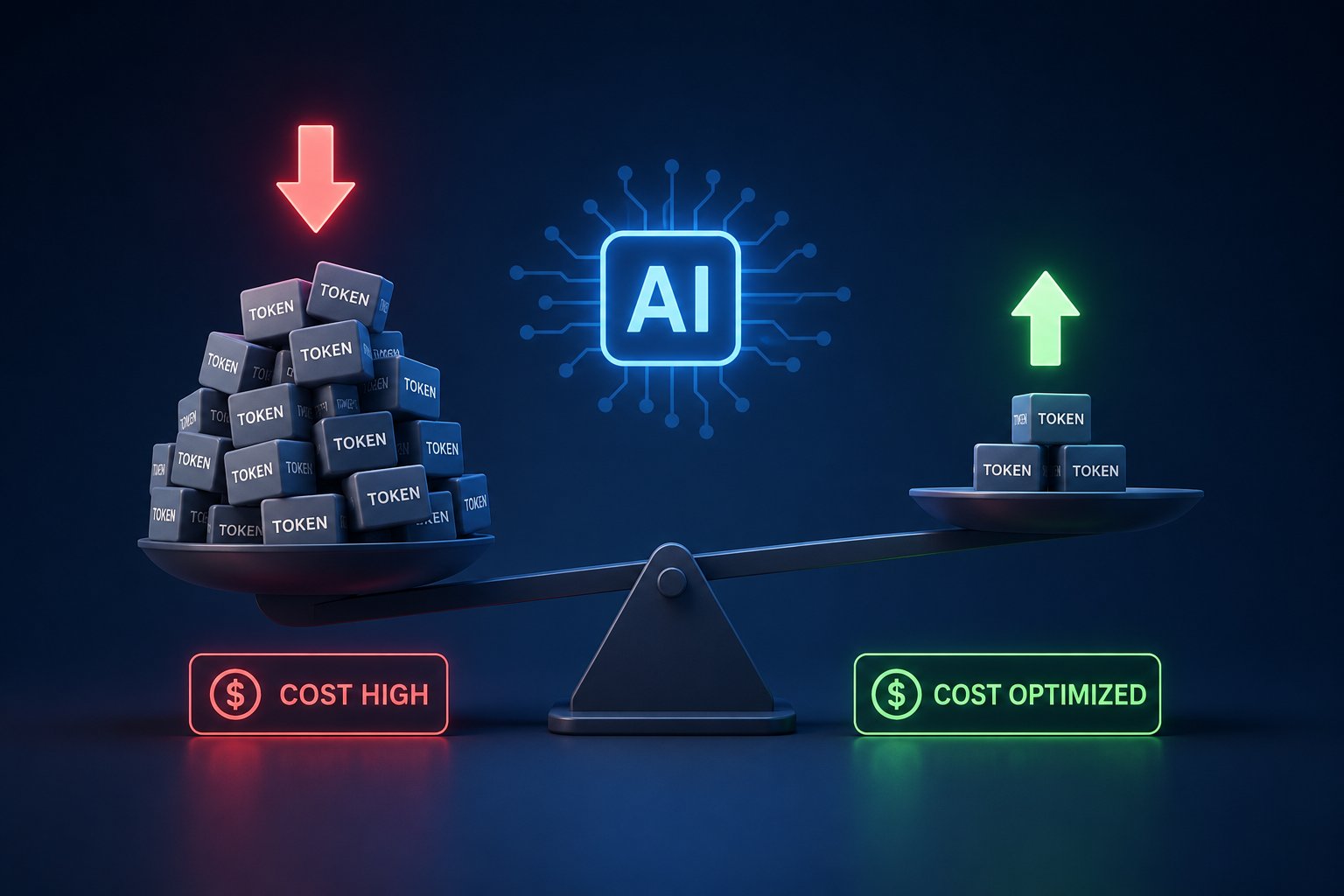
AI API Token Optimization: Cut Costs
This article was written by a Vietnamese engineer at VFA. The original version is available here in Vietnamese. Please note that the story is not based on an actual development project.
The story starts with one perfectly ordinary request!!!
“One seemingly ordinary request led the whole team to uncover the reason AI API costs had nearly doubled.”
Wait, something's not right...
One Monday morning, as usual, I opened the dashboard to check the project's AI API costs. One number made me look twice: “costs had nearly doubled“! The strange part was that week we hadn't gained any new users, hadn't switched AI models, and hadn't shipped any new features.
The team's first instinct was to suspect the Prompt, since it was the component updated most often during development.
However, in real-world AI systems, API costs are usually influenced by several different components of a request. Rather than jumping to conclusions, we opened the log of an actual request to analyze and verify this hypothesis.
📊 Request Log
System Prompt         : 612 tokens
Conversation History  : 4,382 tokens
RAG Documents         : 1,756 tokens
User Question         : 48 tokens
Looking again, the prompt used just over 600 tokens, while the conversation history had already passed 4,000. The log analysis showed the initial hypothesis was wrong. Prompt accounted for only about 600 tokens, while Conversation History had exceeded 4,000 tokens and became the component that needed priority analysis.
To pinpoint exactly which component is driving up API costs, we first need to understand how AI charges for each request:
Unlike many typical APIs that charge per call, most AI models today charge based on the total number of tokens they have to process. In other words, even with the same single API call, a request containing more Prompt, conversation history, or documents will consume more tokens and cost more.
For example, say two applications both call the AI API once:
• App A sends about 500 tokens.
• App B sends about 5,000 tokens.
Even though both make only one API call, App B still costs more, because the AI has to read and process far more data.
So if you want to optimize AI costs, what matters isn't reducing the number of API calls -it's reducing the number of tokens actually needed in each request.
Why do tokens affect cost?
A real request usually contains more than just the user's question. It also includes the system prompt, conversation history, documents from RAG, and plenty of other context data.
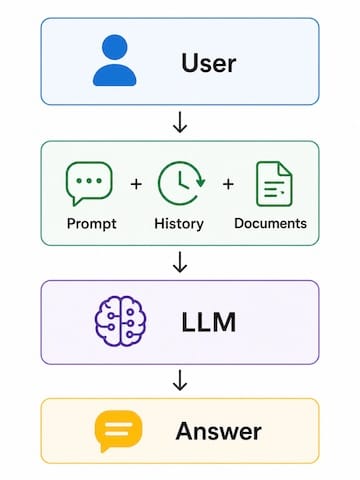
Which components make AI consume the most tokens?
Based on the structure of an AI request, we began analyzing each component one by one to pinpoint the main cause behind the rising token count.
Narrowing down the cause: Just like debugging a system, instead of guessing, I started isolating each component of the request to see exactly where the most tokens were being spent.
Shortlist of suspects:
• Prompt
• Conversation History
• RAG Documents
• Tool Calling
• Output Token
Analysis results for each request component
*Note: This article only introduces optimization directions at a high level. Detailed implementation such as summarizing Conversation History, Top-K Retrieval, or chunking strategies for RAG will be covered in the next article.
Conclusion:
By analyzing the logs and cross-referencing them with the structure of an AI request, we determined that Conversation History and RAG Documents were the two main causes behind the spike in token count. Conversation History burned through tokens because the system re-sent the entire conversation history with every request, while RAG Documents pulled in far too many documents and chunks unrelated to the current question.
On top of that, Tool Calling and Output Token also contributed to the rising costs, since the tool returned too many unnecessary fields and the AI generated answers longer than actually needed. The Prompt, on the other hand, was not the main cause here, as it made up only a small fraction of the request's total tokens.
So instead of focusing solely on shortening the Prompt, priority should go to optimizing Conversation History, limiting the RAG documents retrieved, trimming down Tool Calling data, and controlling Output length.
That said, identifying the cause is only the first step. The next section will show how to apply these optimizations to a real customer support chatbot.
Optimizing tokens for a customer support chatbot
💡 Context
Imagine you're building a customer support chatbot for a phone retail website. A user asks: “Does the iPhone 16 Pro come with a 24-month warranty?”
📤 Request before optimization
✓ System Prompt
  (600 tokens)

✓ Conversation History
35 previous conversation turns
  - Color
  - Price
  - Installment payment
  - Store address
  - Return policy
  (4,200 tokens)

✓ RAG Documents
  - Warranty policy (18 pages)
  - Purchase guide (25 pages)
  - Company introduction (12 pages)
  - Product catalog (80 pages)
  (2,300 tokens)

✓ Tool Calling
  customerName
  phone
  email
  address
  orderHistory
  rewardPoint
  favoriteProducts...
  (800 tokens)

✓ User Question
  Does the iPhone 16 Pro come with a 24-month warranty?
  (18 tokens)
In total, the AI had to process nearly 8,000 tokens just to answer one very simple question.
🔍 After checking the logs
Breaking the request down into pieces, we realized most of the tokens weren't coming from the user's question at all. The real culprits were old conversation history, irrelevant documents, and excess data from Tool Calling. Rather than cutting data arbitrarily, we optimized each component through the four steps below:
Step 1 – Trim Conversation History: The system no longer sends all 35 conversation turns with every request. Older conversations are summarized into a short passage, and only the 8 most recent messages are kept so the AI still understands the current context.
4,200 tokens → 650 tokens
Step 2 – Retrieve only truly relevant RAG documents: Documents are split into small chunks. When a user asks about warranties, the system searches based on the question's content and sends only the top 3 most relevant chunks instead of dumping the entire purchase guide, company introduction, and product catalog into the request.
2,300 tokens → 350 tokens
Step 3 – Trim Tool Calling data: The tool used to return the customer's entire profile. For a question about warranty duration, all the AI actually needs is the product name and the warranty period.
- Before optimization: { customerName, phone, email, address, orderHistory, rewardPoint, favoriteProducts, ... }

- After optimization: { productName, warrantyPeriod }
800 tokens → 40 tokens
Step 4 – Limit answer length: Since the user only needs to know the warranty period, the Prompt now asks for a direct answer in 2-3 sentences, and Output Tokens are capped at an appropriate level. This prevents the AI from over-explaining without changing the core content of the answer.
📤 Request after optimization
✓ System Prompt
  (600 tokens)

✓ Conversation History
  Summary of older conversations + 8 most recent messages
  (650 tokens)

✓ RAG Documents
  Top 3 chunks related to warranty
  (350 tokens)

✓ Tool Calling
  productName
  warrantyPeriod
  (40 tokens)

✓ User Question
  Does the iPhone 16 Pro come with a 24-month warranty?
  (18 tokens)
Checking response quality after optimization: Cutting tokens only matters if the optimized answer still meets the user's actual needs. So we re-ran the same set of questions before and after the request changes, then compared them against three criteria:
• Whether the answer matches the actual content of the warranty policy.
• Whether it provides enough direct information to resolve the user's question.
• Whether any incorrect, out-of-context, or irrelevant information appears.
For the question ‘Does the iPhone 16 Pro come with a 24-month warranty?’, both versions returned the correct warranty period and applicable conditions. The optimized version was more concise but didn't lose any necessary information.
🎯 Results
After optimizing Conversation History, RAG Documents, and Tool Calling, the total tokens per request dropped from around 8,000 to about 1,600 roughly an 80% reduction.
💬 Comparing answers before and after optimization
To check whether reducing tokens affected response quality, we re-ran the same question before and after optimizing the request.
Question: “Does the iPhone 16 Pro come with a 24-month warranty?”
Remarks:
• The warranty period information stayed exactly the same.
• The applicable conditions didn't change.
• The optimized version is shorter but still fully answers the user's question.
💡 Key takeaway
What matters isn't making the Prompt shorter - it's not forcing the AI to read things it doesn't need. As request volume grows every day, cutting each request from roughly 8,000 down to 1,600 tokens makes a massive difference in operating costs, while response quality barely changes at all.
🏁 Closing thoughts
After rolling out these changes, the first thing I checked wasn't answer quality - it was the AI API cost dashboard. The numbers started dropping noticeably, while users barely noticed any change in their experience at all.
What's interesting is that we didn't switch to a cheaper model, didn't cut any features, and didn't rewrite the entire Prompt. All we changed was how the system feeds context to the AI: send less, but send it right. The AI now receives only the information it truly needs to answer the question, instead of having to read through the entire conversation history, documents, or unrelated data.
Looking back at the entire investigation, I've realized AI costs rarely spike because of a single cause. A bit of Conversation History that's no longer useful, a handful of RAG documents retrieved in excess, an oversized Tool Calling JSON, or an answer longer than it needs to be. Each one looks insignificant on its own, but add them up across thousands of requests a day, and they become a cost well worth worrying about.
I used to ask myself, every time AI API costs rose, ‘Have I optimized my Prompt yet?’ After this investigation, I think the better question is: ‘Does the AI actually need all the data I'm sending it?’
Just shifting that perspective makes it much easier to spot more optimization opportunities.
Hopefully, the experience shared in this article gives you a new angle when building AI-powered applications. Next time, before reaching for a cheaper model or cutting features to save costs, try opening the log of any request first.
In many AI projects, costs don't rise because the model is too expensive - they rise because we're sending the AI far more data than it needs. Shift that perspective, and you can save a significant amount of cost without ever trading away response quality.
References
[1] OpenAI - What are tokens and how to count them?
[2] Anthropic - Context windows
[3] Liu et al. - Lost in the Middle: How Language Models Use Long Contexts
[4] OpenAI - Controlling the length of model responses
[5] OpenAI - Prompt Caching
[6] Anthropic - Prompt caching
[7] Google AI for Developers - Context caching
[8] OpenAI - How to check token usage
[9] OpenAI API Pricing
Struggling to turn ideas into reality? With a proven track record of over 1,000 clients, our agile and flexible team will accelerate your business growth.
Book a Free ConsultationMore on "Generative AI & ML"
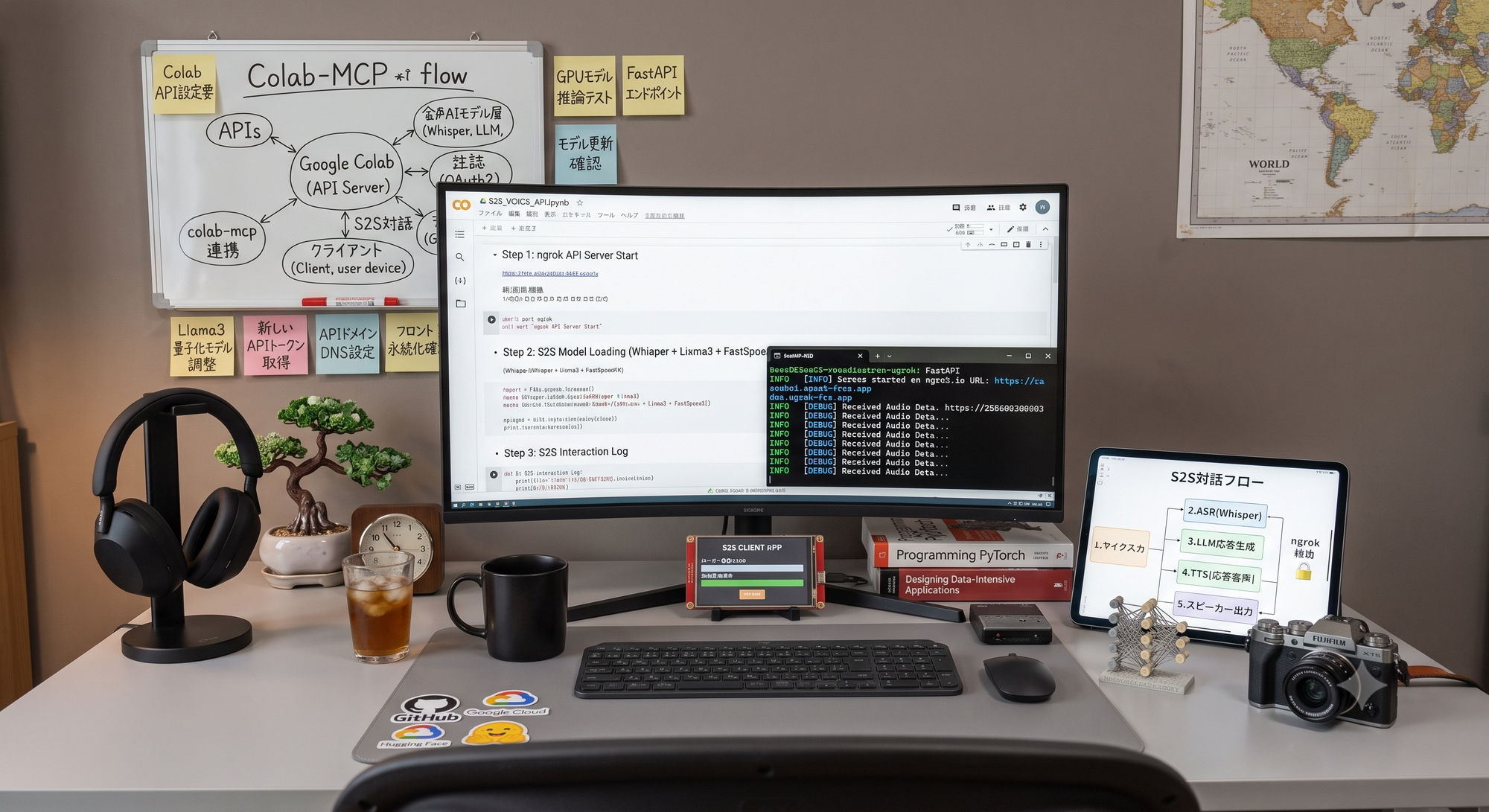
Turning Google Colab into an API Server to Run Speech-to-Speech Voice AI
This PoC turns Google Colab into a temporary WebSocket server for speech-to-speech AI. It combines faster-whisper large-v3, Gemini 2.5 Flash-Lite, VOICEVOX and Silero VAD, then improves latency through sentence buffering, streaming responses and parallel TTS generation.
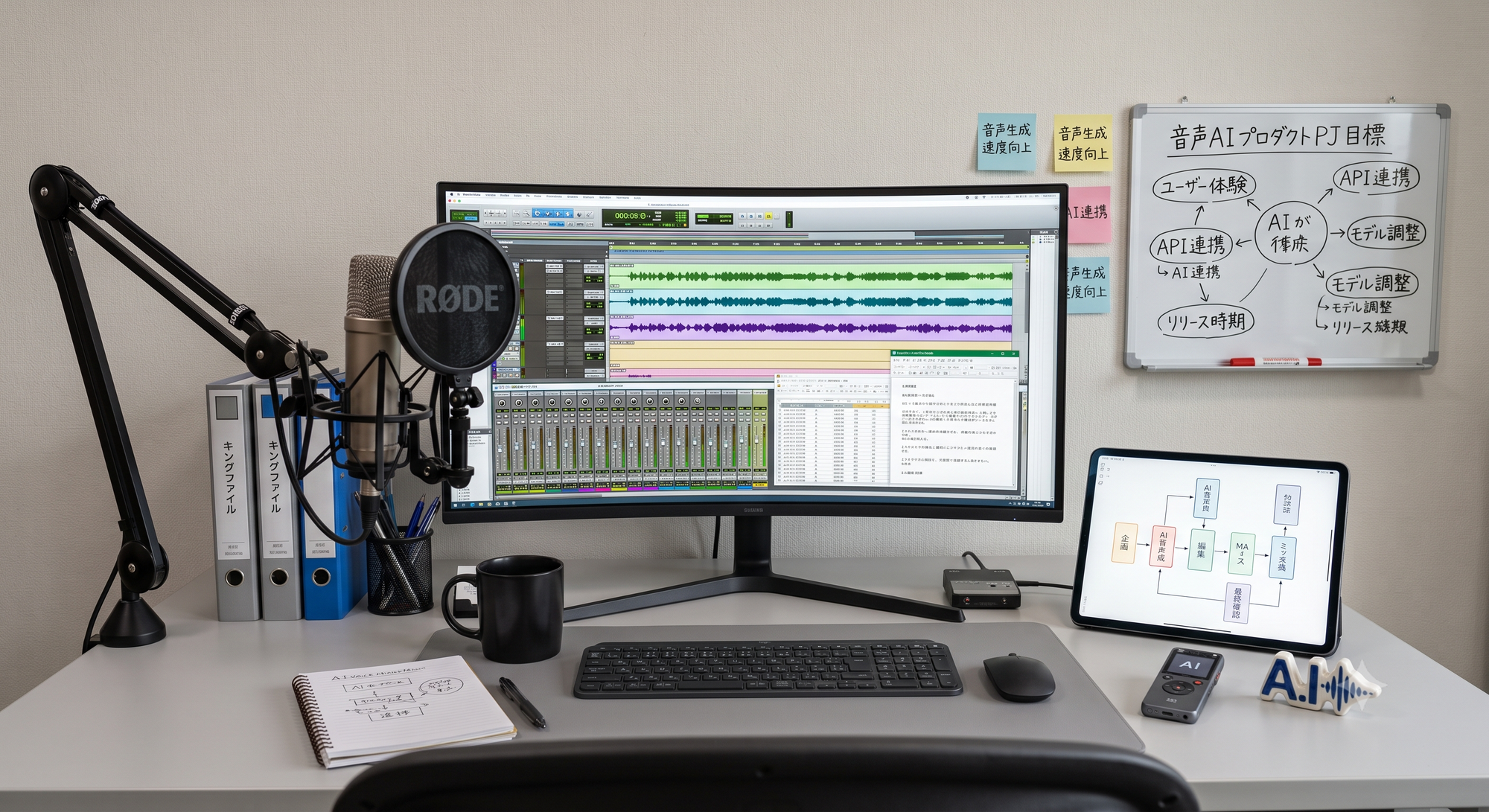
AI Voice Production: 5 Best Practices
AI voice content uses two AI stages: script generation and text-to-speech. This guide explains how to test predefined voices, turn subjective feedback into requirements, manage versions, prioritize trade-offs, run group listening sessions and use post-processing to stabilize quality.

What We Learned Building Voice AI with Gemini: The Major Difference Between a PoC and a Commercial Service
A Gemini Live API PoC can deliver real-time voice conversations quickly, but production introduces concurrency, quotas, observability, model lifecycle and device-specific audio issues. This article explains why the architecture moved from direct browser access to LiveKit and Vertex AI.
