How to Think About LLM Workflow Design | More Tasks Than You Think Do Not Need AI to Decide What to Do
A practical guide to designing multi-step AI systems. Learn the difference between fixed LLM workflows and AI agents, how step boundaries enable retries and testing, how to handle waiting and idempotency, and why a hybrid workflow-plus-agent architecture often works best.

On this page
For planning professionals, this article organizes how to design multi-step AI processing as a workflow, from the perspective of a development team.
When planning how to use AI, an autonomous agent architecture often becomes the first candidate.
It can assess the situation on its own, choose the necessary tasks, and move forward. That is appealing.
However, once you define the target business process more concretely, the discussion often becomes something like this:
“First extract fields from the attached file, compare them with the customer master, summarize the content, and register it in the system.”
The order is already decided.
If the order is already decided, there is no reason to make AI think about it.
The Only Divide Is “Who Decides the Order?”
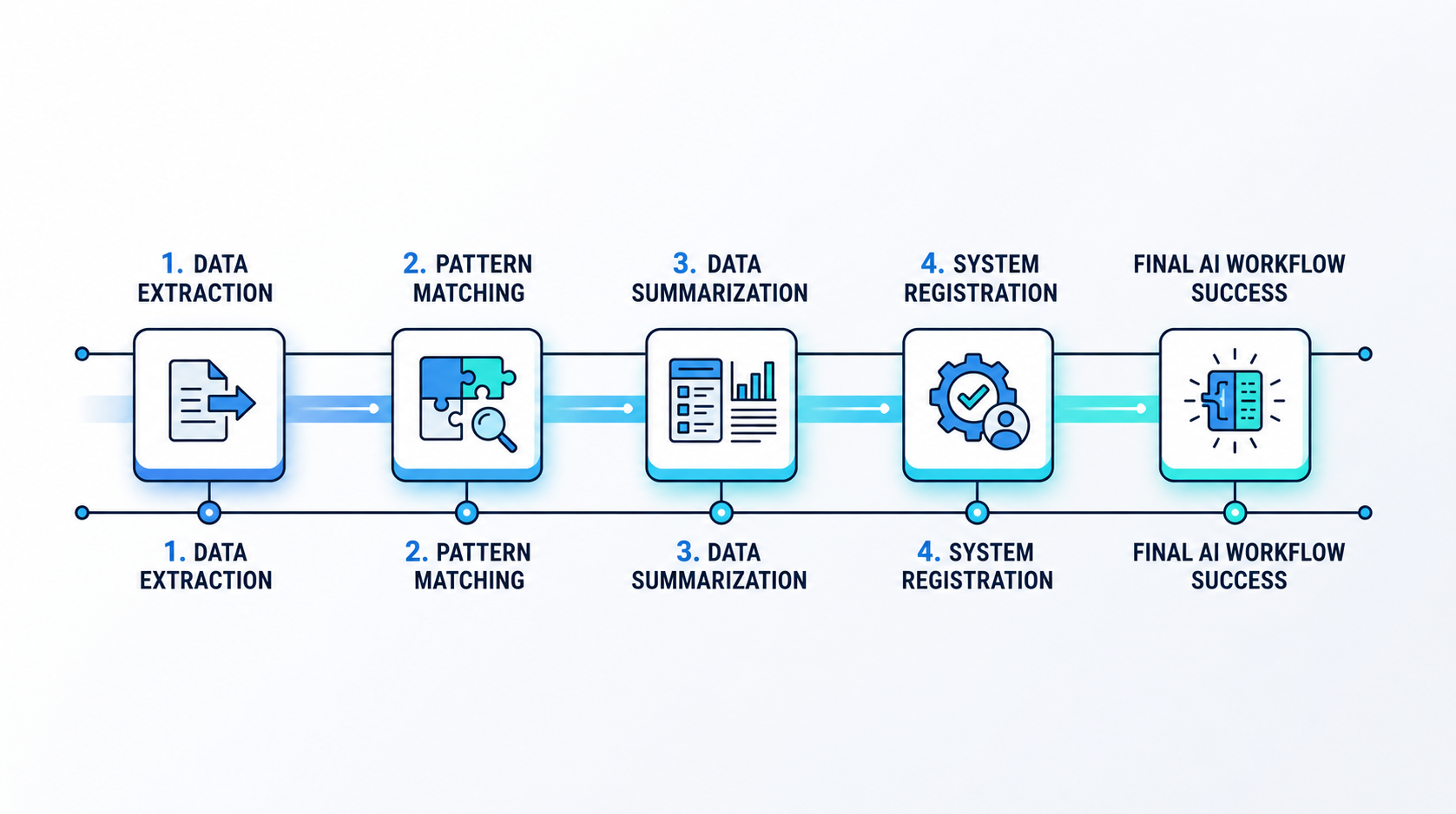
There are two ways to structure multi-step processing with AI. The difference is only one thing.
- Workflow — Humans write the processing order in code
- Agent — AI decides the processing order on the spot
A common misunderstanding here is that using a workflow means not using AI.
Even in the example above, AI handles tasks such as “extracting fields” and “summarizing content.”
What is fixed is the sequence of steps, not the contents of each step.
And once the order is fixed, two things change.
Because the number of AI calls per case is known in advance, the cost and processing time per case can be calculated. Multiply that by the monthly volume, and you can estimate operating costs.
Because the input and output of each step are defined, you can write tests for each step.
With an agent, both the number of calls and the order can vary depending on the request, so these become estimates with a wider range.
This is where the cost of flexibility appears.
Important
Discussions move faster when you separate “the scope delegated to AI” from “who determines the order.”
Even if AI is used in multiple steps, it is still a workflow if the order is predetermined.
If you decide “let’s use an agent” without making this distinction, a sequence that should have been fixed may fluctuate every time.
Breaking Work into Steps Is How You Prepare for Failure
In multi-step processing, one of the steps will eventually fail.
An external API may not respond, congestion may cause a timeout, or the server may restart.
In a system built as a workflow, the results of completed steps are saved.
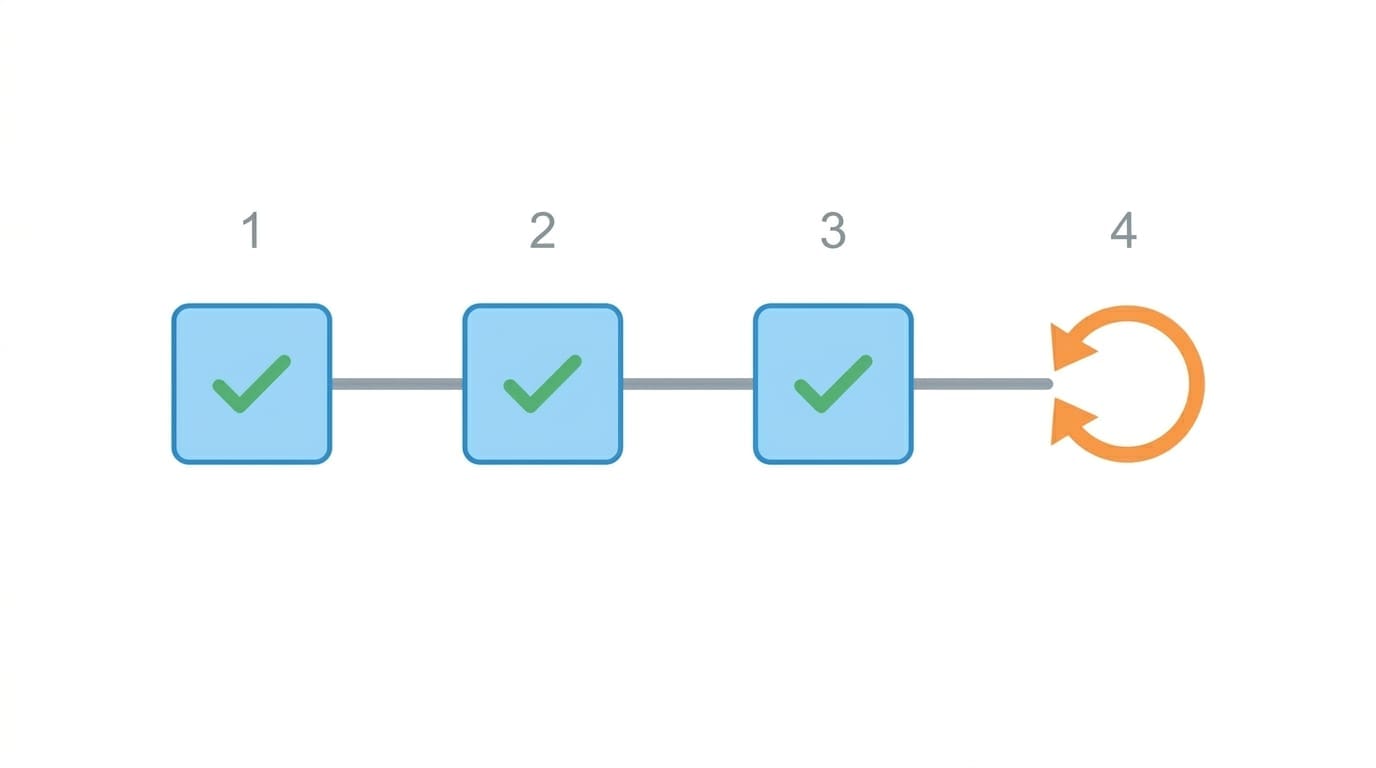
Extract (done) → Match (done) → Summarize (done) → Register (failed)
                                                   ↑ Retry only here
Even if the fifth step fails, steps one through four do not need to run again.
Conversely, if the whole process is implemented as one large block, you lose this advantage.
If the final part fails, everything must be rerun. AI calls must also be repeated, along with their cost.
That is why deciding where to divide the process becomes a design consideration. A useful rule of thumb is to create a boundary whenever there is an interaction with an external system.
If an AI call and a database write are included in the same step, and only the database write fails, you will have to repeat the AI call as well.
However, if you split steps too finely, the amount of intermediate results that must be stored between steps increases.
There is an upper limit to how much data can be stored as the result of each step, so large data such as images or PDFs should be placed in a file storage service, with only references passed between steps. This method of passing data needs to be decided in advance.
“Waiting” Can Be Written as Part of the Process
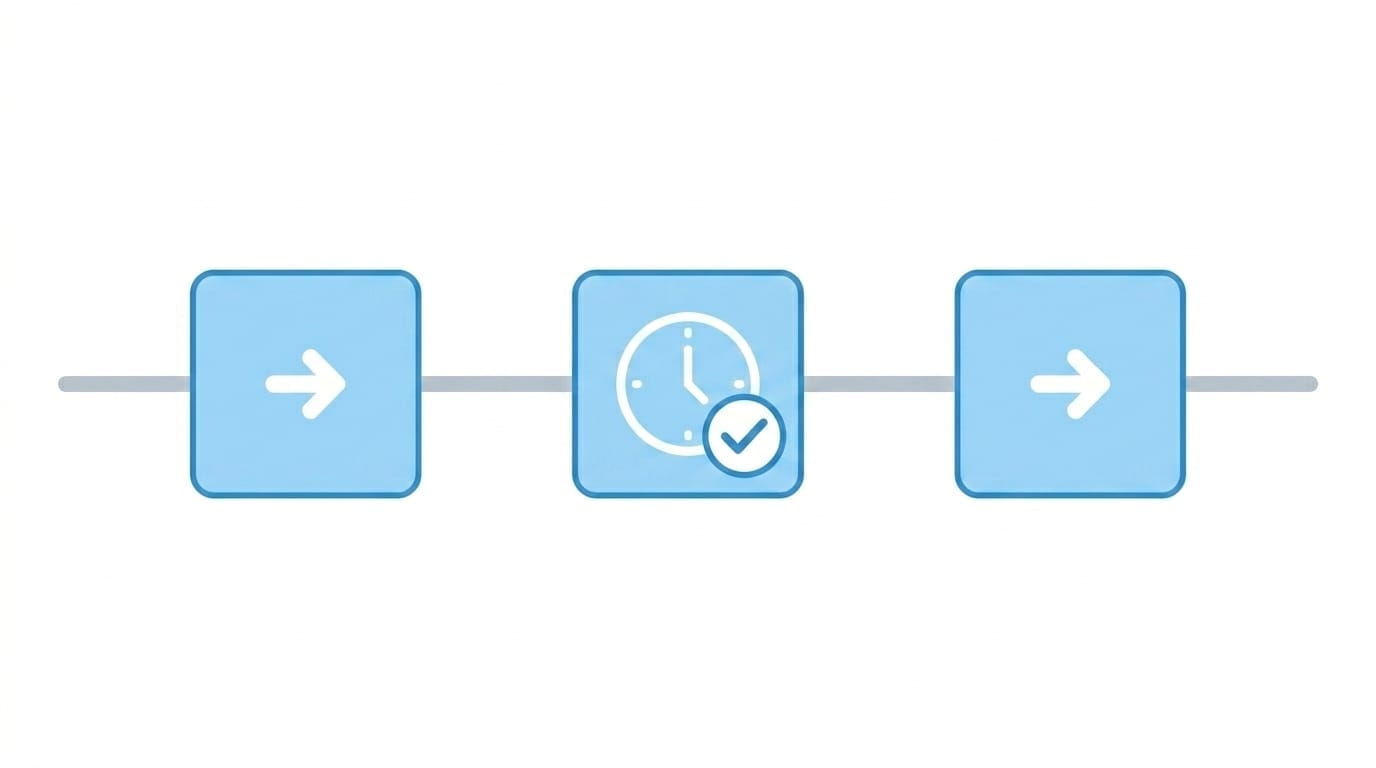
Business processes include waiting.
Wait until the morning of the next business day. Wait for manager approval. Wait for a reply from the other party.
When implemented as a workflow, this waiting can be retained as part of the process. There are two types of waiting.
Wait by time — Waiting where the time is known, such as “send a reminder three business days later.” The maximum configurable waiting period is stated to be one year. Processes that are waiting do not consume concurrent-execution capacity, so a large number of cases can wait in parallel.
Wait for an event — Waiting for something that may happen at an unknown time, such as “until the approval button is clicked.” Once the notification or approval arrives, the process resumes from that step.
This is especially useful for approval workflows.
Between application and approval, there may be a long gap caused by human schedules.
Because this gap can be retained as part of the process, there is no need to split “the process that accepts the application” and “the process that runs after approval” into separate programs and manage the state between them in your own database table.
Because the whole process can be written as a single flow, it also becomes easier to track how far each case has progressed.
On the other hand, precisely because the system can wait, if you do not define a deadline, the process may remain indefinitely.
What should happen to a case that has been waiting for approval for a month? Should it be rejected automatically, should a reminder be sent, or should it be shown on a staff member’s pending list?
This is not a technical choice. It is a business rule, so it is something the planning side must decide.
Important
From the outside, a waiting process looks like “nothing is happening.”
If you do not provide a screen that shows staff what each case is waiting for, you will receive inquiries asking whether it is stopped or still progressing.
If waiting is part of the design, a pending-items screen should also be included in the requirements.
Design Each Step So That Running It Twice Does Not Break Anything
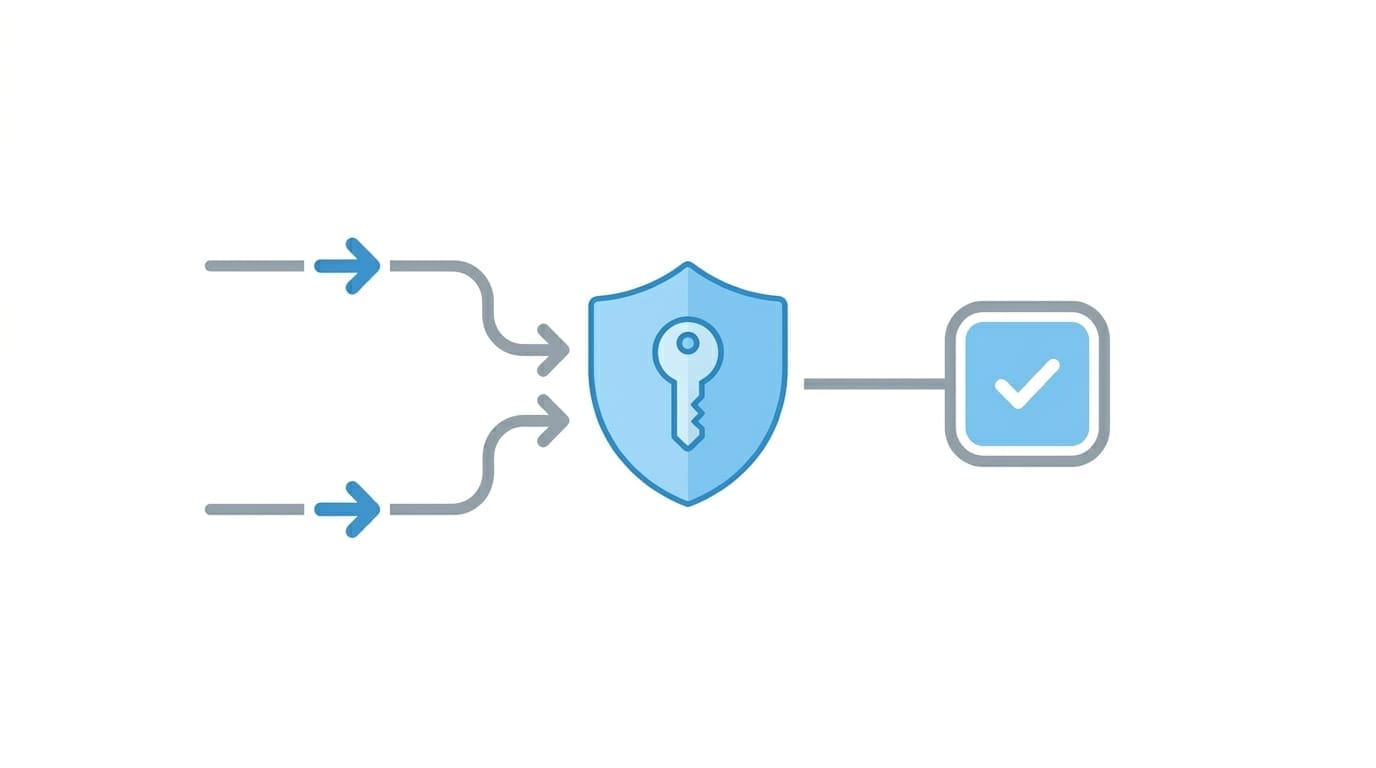
A failed step may be retried automatically.
That means a process intended to run once may run twice.
Published design guidance also states that, ideally, a step should be designed so that running it multiple times produces the same result.
The impact differs completely depending on the type of step.
The three lines below are the problem. And this is not only an implementation issue.
Writing “check whether it has already been executed” sounds simple, but what counts as the same transaction is a business definition.
Is there only one invoice for the same customer in the same month? Could there be a separate invoice even if the amount is identical?
Before designing the system, you need to confirm whether the business data contains an identifier that can be used to make that judgment.
If not, you will need to build a mechanism that issues such an identifier.
External APIs, including payment services, may provide a mechanism that accepts a request with the same identifier only once.
If such a mechanism is available, it is usually more reliable than building your own duplicate-detection logic, so it is worth including this in the service-selection checklist.
Conclusion: Mixing the Two Is the Practical Approach
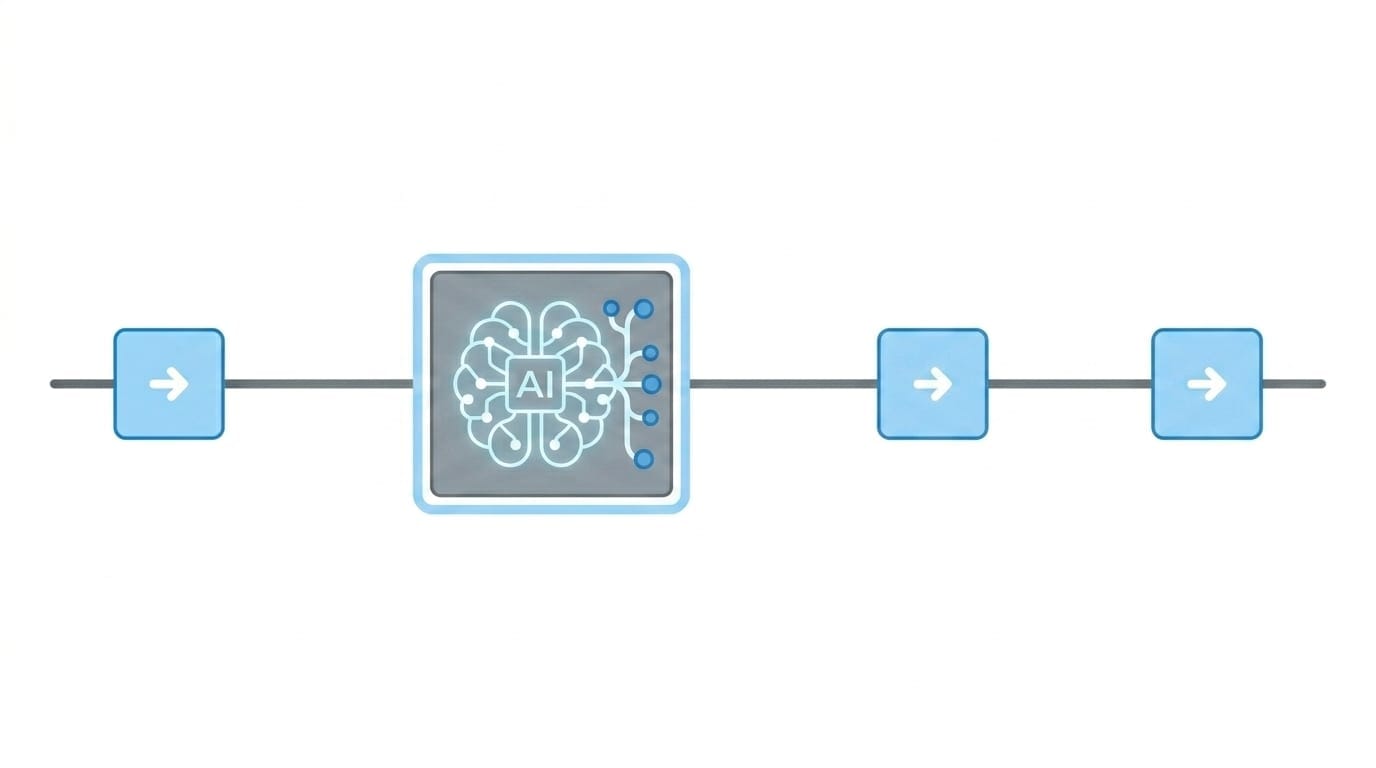
If you frame workflows and agents as a choice where you must select only one, the decision becomes difficult.
In practice, a realistic architecture is to fix the overall process as a workflow and use an agent only for the steps where the procedure cannot be predetermined.
Intake (fixed) → Research (agent) → Wait for approval (fixed) → Register / Notify (fixed)It is not unusual for a business process to require flexibility in only one step.
For that step, set a limit on the number of back-and-forth iterations while keeping the outer flow fixed.
With this structure, even if the agent does not behave as expected, you only need to replace that step with conditions or a fixed process.
If the entire process is built as an agent from the beginning, this kind of replacement becomes difficult.
When the comparison points are organized, it becomes clear that the agent’s main advantage appears in handling unexpected input.
Does the requirement truly need that flexibility? Which specific step needs it? Clarifying this is the responsibility of the planning side.
This article is based on our development experience and publicly available information. Service specifications and limits are continuously updated, and optimal design approaches may also change over time. We also provide consultation on AI workflow design.
Struggling to turn ideas into reality? With a proven track record of over 1,000 clients, our agile and flexible team will accelerate your business growth.